 By
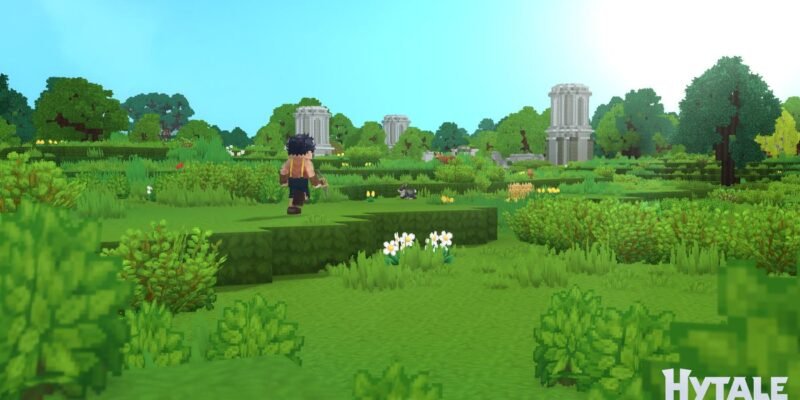
By Hytale is the newest sensation in the world of gaming, and it’s shaping up to be one of the biggest hits of 2026.
This brand new, Minecraft-inspired sandbox RPG has just been released in early access, but it seems like everyone is already playing it.
One of the coolest features of Hytale is its multiplayer mode. Sure, you can play the game completely solo, but when you team up with friends, it opens up a whole lot more possibilities.
Playing multiplayer mode in Hytale, however, requires a little bit of work. Unlike other online games, you can’t just jump into online mode. You actually have to host your own servers to play online with friends.
But don’t worry, hosting your own Hytale server is not as difficult as it sounds. Let’s find out how it works.
What Is Hytale?
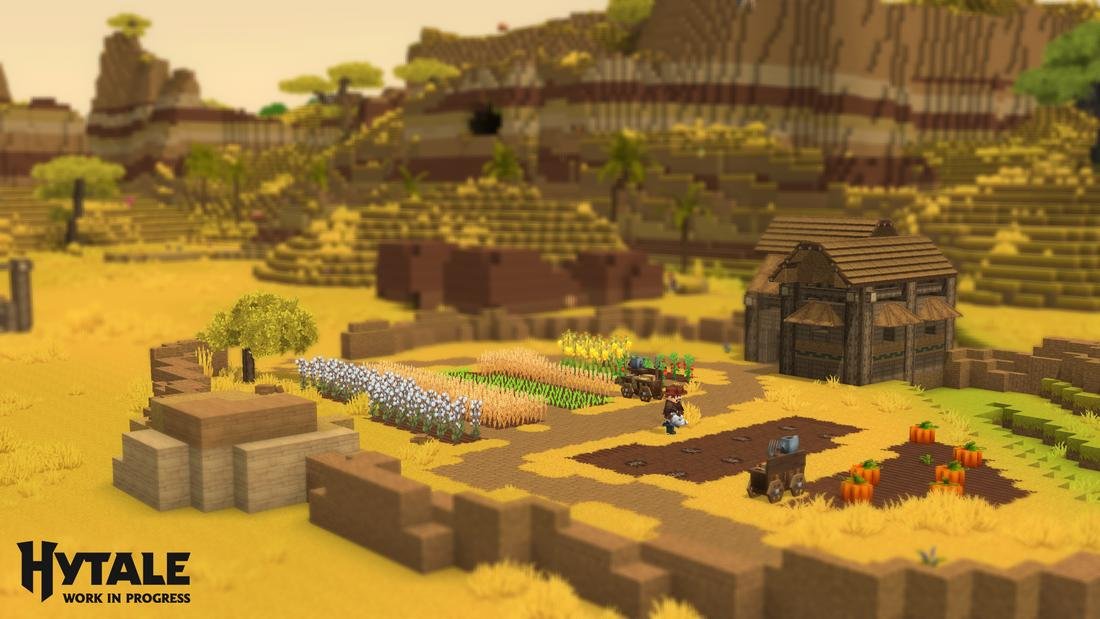
If you’re just hearing about this new game, Hytale is a new sandbox, role-playing game with blocky graphics and endless possibilities.
Many games compare it to Minecraft, but this game actually has much deeper mechanics than Minecraft. Especially the RPG elements, exploration, and the extensive combat system make Hytale feel more like Minecraft 2.0.
Hytale was just launched in early access, and you can get the game from the official website. Even with its early-access bugs and issues, this game already shows potential to be one of the most addictive and fun titles of the year.
Just like Minecraft, Hytale is better when played with friends. Here’s how you can get started with the multiplayer experience.
How To Play Hytale Multiplayer
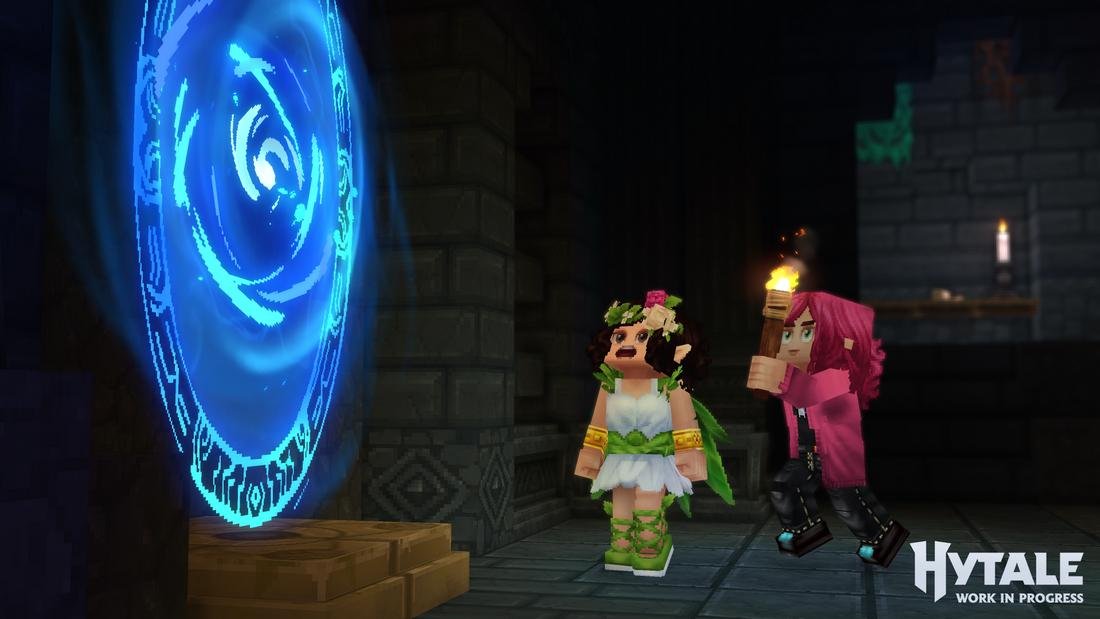
Hytale’s multiplayer mode requires you to setup your own server to play with friends. Or at least you need to have access to a server created by one of your friends.
Setting up your own server is recommended as it gives you full control over the server and your progress. The good news is it’s super easy to setup.
Method 1: Create Your Own Hytale Server
With the massive popularity Hytale has gained in such a short time, many hosting providers have already started offering server plans for the game.
Choosing a reliable hosting provider is the first and most important step.
For example, Hostinger Hytale server hosting plans offer one of the simplest setups you’ll ever find. With one-click installation, you can have your Hytale server up and running in no time. And each plan includes mod support, automatic backups, and scalable resources as well.
Of course, you can do your own research and figure out the right server hosting plan for your needs.
Once you have the server setup, which will only take one click if you choose a platform like Hostinger, you can grab your server connection details (it’s an IP address with a long line of numbers) and login to the game.
From the Hytale title screen, select Servers. And then enter your server’s connection number like this:
After that, click connect, and you can create a world and get started in the game.
Method 2: Join A Friend’s Server
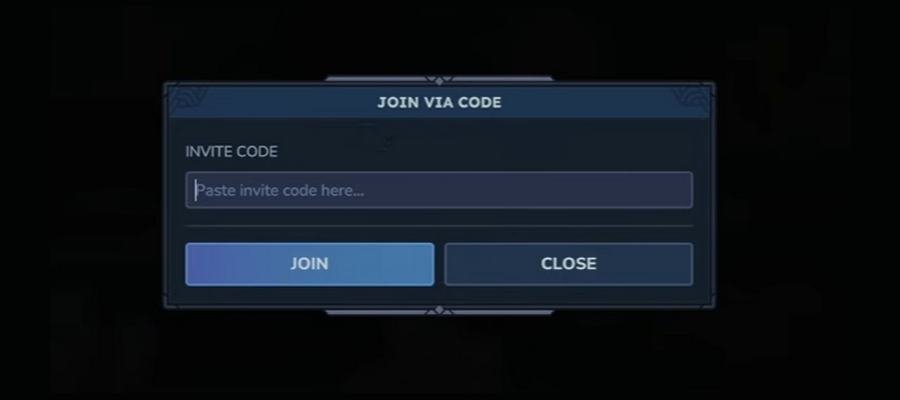
To join a server created by a friend, all you have to do is ask for the invite code. This invite code is a code only the owner of the server can create.
If you already have an invite code, simply go back to the title screen, select Servers and click the Join via Code button at the bottom right corner of the screen.
Then paste the code and click Join to dive into the game.
How To Create an Invite Code
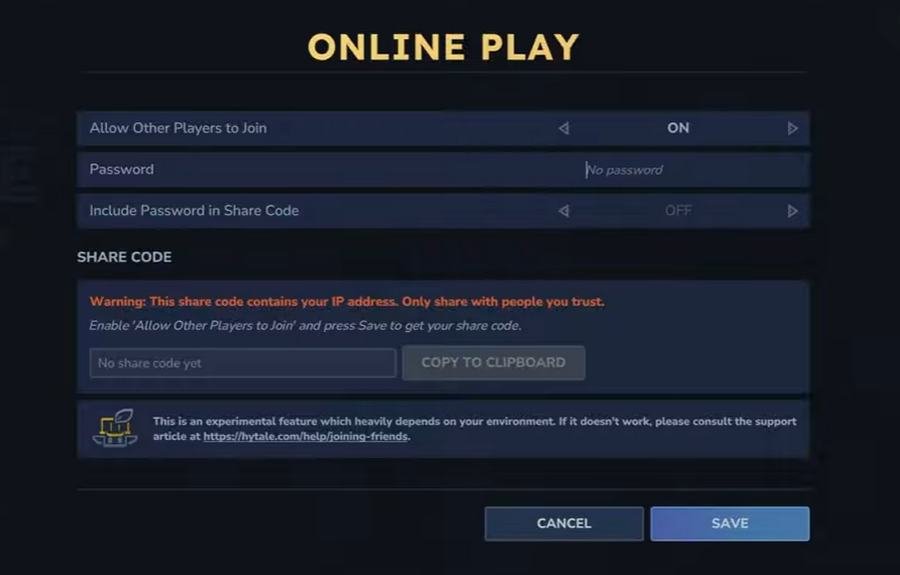
If you’re the owner of the Hytale server, you can also share your Hytale world with friends to let them join your world.
To do this, first login to your server from the game and launch your Hytale world.
Then go to the pause menu and select Online Play.
On this menu, you need to enable the “Allow Other Players to Join” option to create an invite code, and even add a password if necessary.
After that, you can share the code with friends to play with them in your world.
Hosting A Local Hytale World
There’s another way to host a Hytale world, and that’s by creating a world locally on your computer and sharing it online with friends.
This method involves taking a huge risk as you’ll be sharing your home’s IP address publicly with friends. And according to players, it doesn’t always work perfectly either.
Another downside to hosting a local world is that when the host goes offline, others can’t play on the shared world.
If you’re willing to give it a try (and take the risk), here’s how it works:
- Load into your single-player world
- Press ESC to open the pause menu
- Click Online Play
- Toggle Allow Other Players to Join to ON
- (Optional) Set a Password to restrict access
- (Optional) Toggle Include Password in Share Code to embed the password
- Click Save
After saving, you will get an invite code to share with friends.
You can check out this detailed official guide for a more comprehensive look at how multiplayer works in Hytale, as well as how to troubleshoot common problems.
In Conclusion
Hosting a Hytale world locally is very risky. You should only try it if you’re playing with your family or friends in the same household.
Otherwise, hosting a Hytale server from a reputable hosting provider is the safest and most reliable way to play multiplayer. Plus, it will allow your friends to play in your world even when you’re offline.